Resizing and combining multiple svg images
This post discusses a similar problem to my previous post on combining png images but this time the images are in the svg format. Svg (Scalable Vector Graphics) defines images in XML format and has the advantage that zooming is possible since it’s a vectorized format, and editing e.g. the size of text is still possible.
I based my code on this blog post from Bartosz Teleńczuk and his svgutils python module, but wrap this module in a new Svg class storing the dimensions and coordinates of the images, with methods for scaling and moving.
The result is, as desired, the same as in the previous post and shown below:
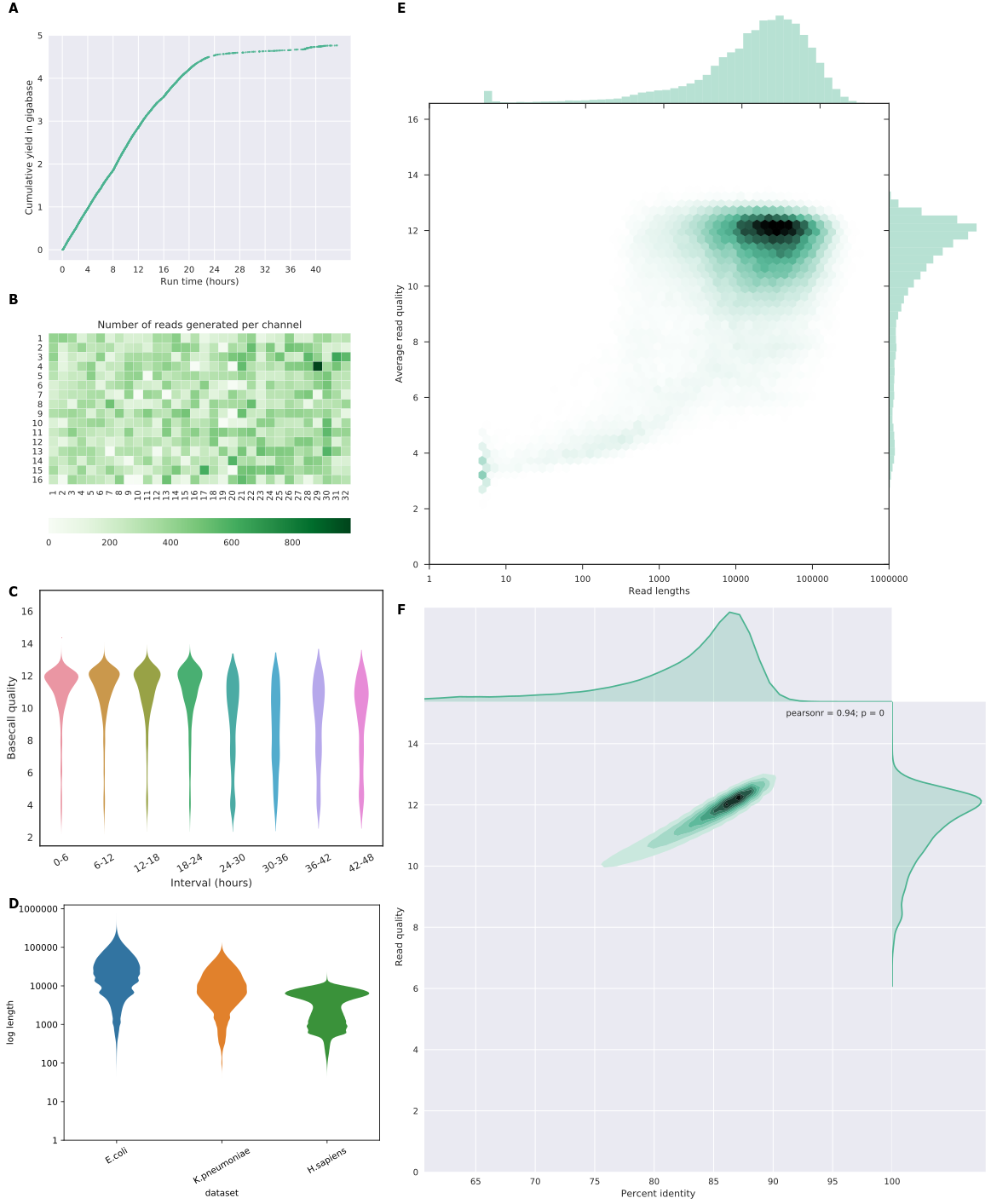
And here is my code. I first define my new Svg class, which wraps and extends the svgutils module to contain information about dimensions and coordinates. I load the images in a dictionary, providing convenient access to the object by referring to the letters which are also the filenames. The images are rescaled and moved depending on the desired design of the composite image, which is hardcoded in the functions rescale() and change_positions(). Adapting this to other combinations shouldn’t be too difficult. Finally, I add letters to the images for the figure legend. That’s all folks!
https://gist.github.com/wdecoster/ceb3349d513ee38aa4df80000bbcf098