Resizing and combining multiple png images
I wanted to combine multiple images to one figure and add letter annotations for the figure legend. I wanted to do this in Python, of course, and below is what I came up with. Some of it is hardcoded since it obviously depends on the size and preferred combination of your images. I will combine 6 png images in one png figure, the result is below. The plots were made using NanoPlot and NanoComp.
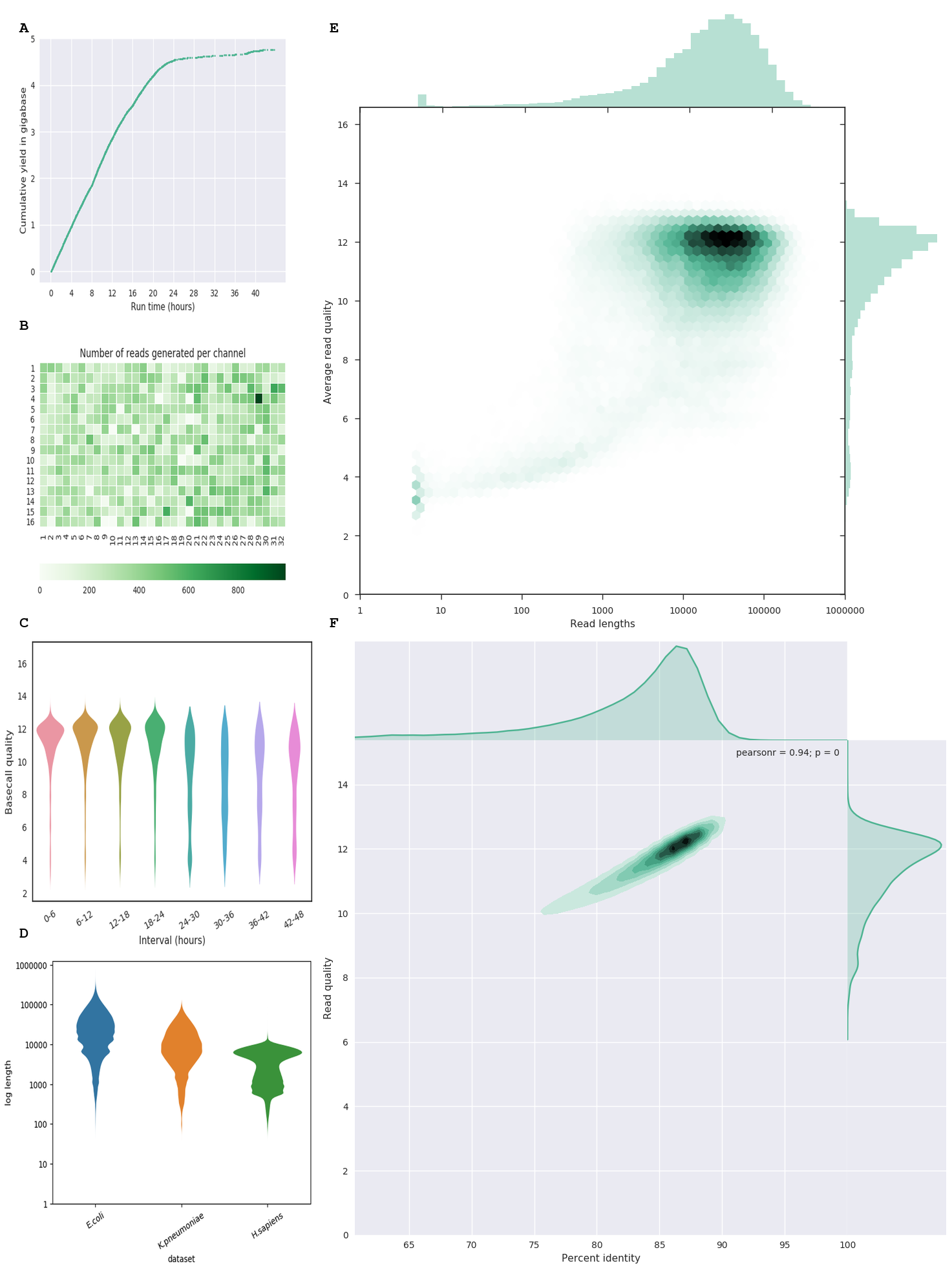
I found inspiration in the following blog post and StackOverflow questions: https://kanoki.org/2017/07/12/merge-images-with-python/ https://stackoverflow.com/a/451580/6631639 https://stackoverflow.com/a/16377244/6631639 https://stackoverflow.com/a/41887497/6631639
Images are opened and resized to match width with the smallest image. I make two vertical stacks after converting the images to a numpy array. After changing the height of these two images (’left.png’ and ‘right.png’) I combine these two finally in one image, after which I add the letter annotations for the figure legend.
This is the code I used:
https://gist.github.com/wdecoster/dedf02b6a87103863e67cc99086cc8d7